![Logo Only White w Color (.png med).png]](https://support.siera.ai/hs-fs/hubfs/Logo%20Only%20White%20w%20%20Color%20(.png%20med).png?height=40&name=Logo%20Only%20White%20w%20%20Color%20(.png%20med).png)
To edit a checklist first login to the dashboard.
1. Click "Checklist Settings" in the left tab.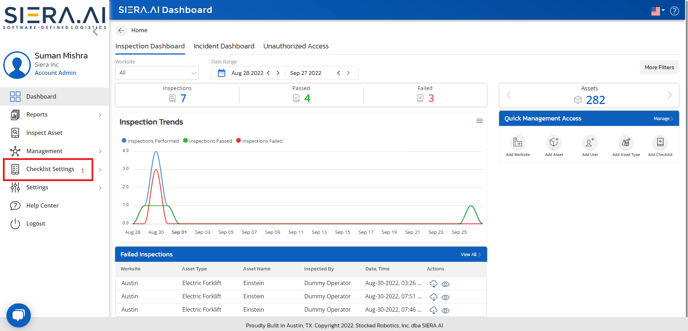
2. Click "View Checklists".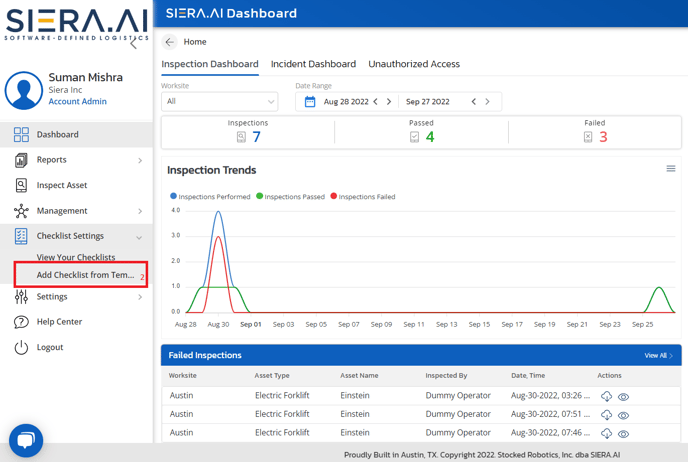
3. Click the checklist that you want to edit.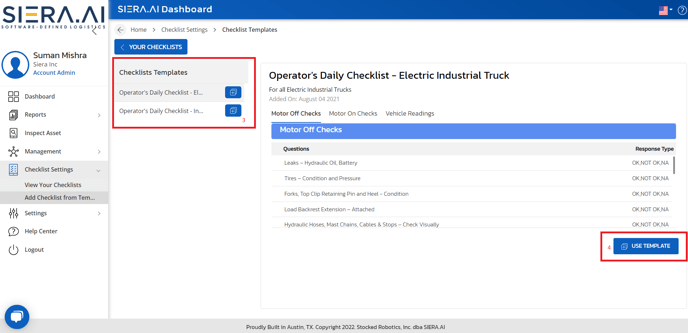
4. Click "Edit" on the bottom right hand side of the screen.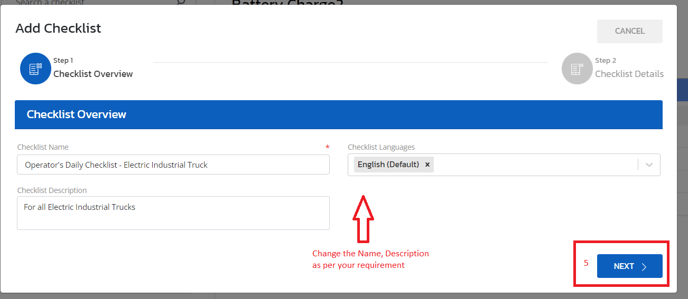
5. Edit any question in the checklist then click "Save".